
Discover
See what is happening near you
Concerts, festivals, markets and family days out, gathered into local event feeds for all 50 states and every Canadian province and territory.
-
Search that gets specific
Combine keywords with tags like free, music or family to turn a busy calendar into tonight’s plan.
-
Weekly highlights
Short reads on the standout events in each region, published every week.
-
Public groups
Find the events your community shares in public groups, all in one feed.
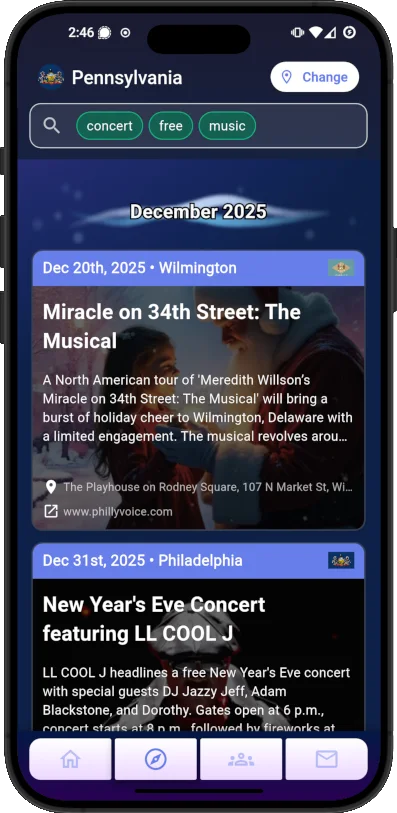
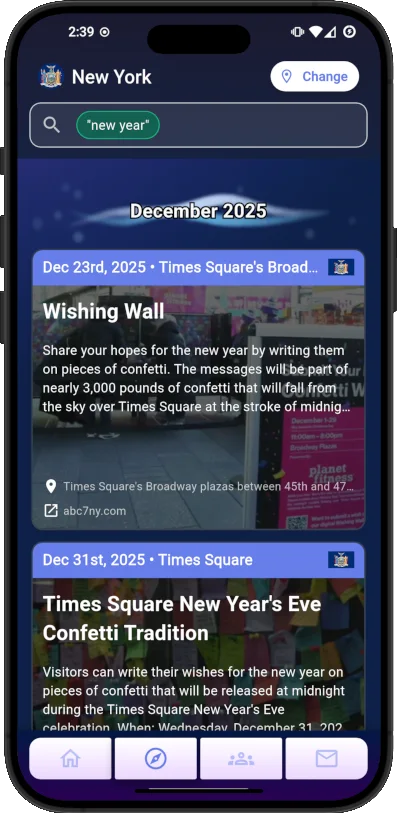
Weekly highlights
All highlights →


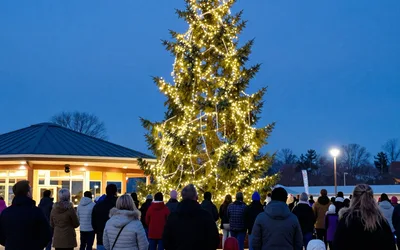
Plan & host
One invite runs the whole event
From the first idea to the last RSVP, ffizzi keeps your event in one place. Start it in the app or right here on the web.
-
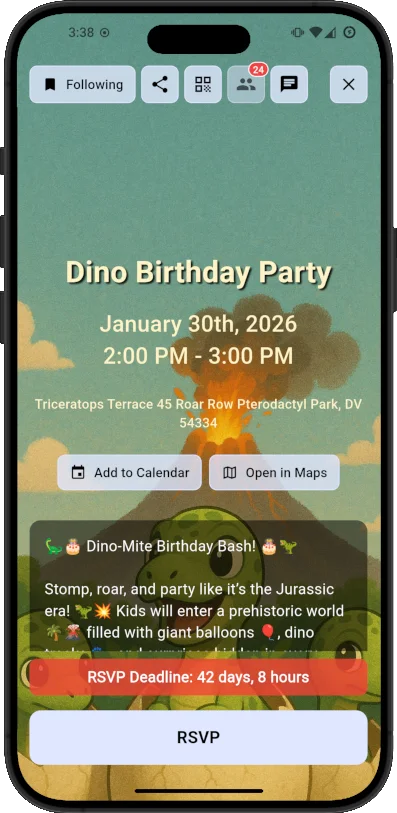
Pick a background, set your colors and add the details. Your invite is ready to send in seconds.
-
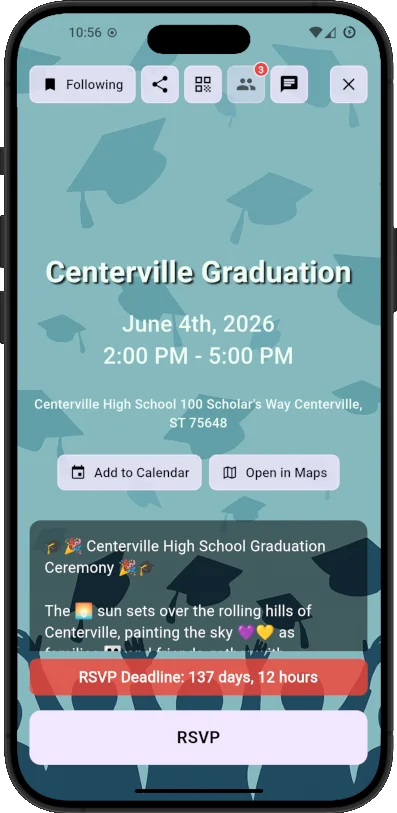
Text it, post it or show the QR code. Guests open it in any browser, with no app and no account.
-
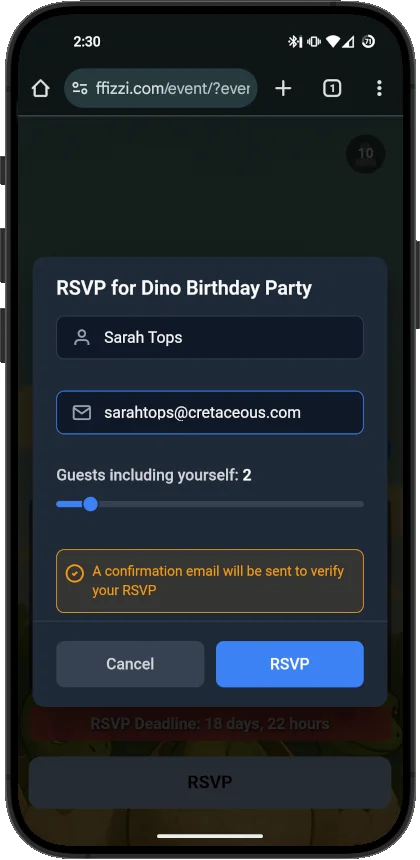
Guests confirm in seconds on the web or in the app and tell you how many they are bringing.
-
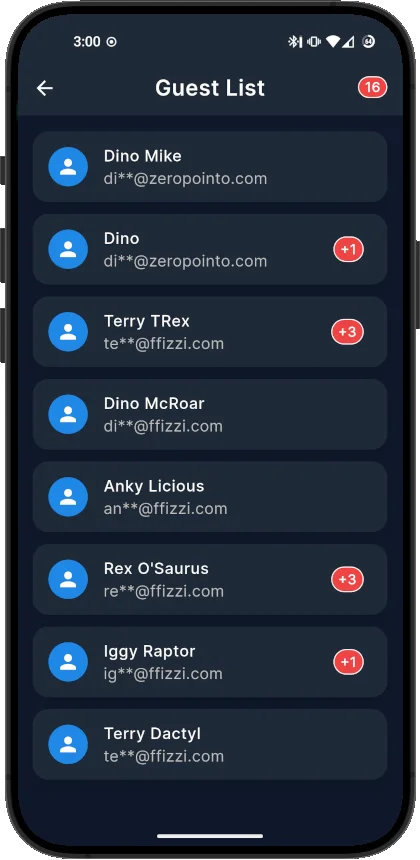
See who is coming and the full headcount as replies arrive, right up to your RSVP deadline.
-
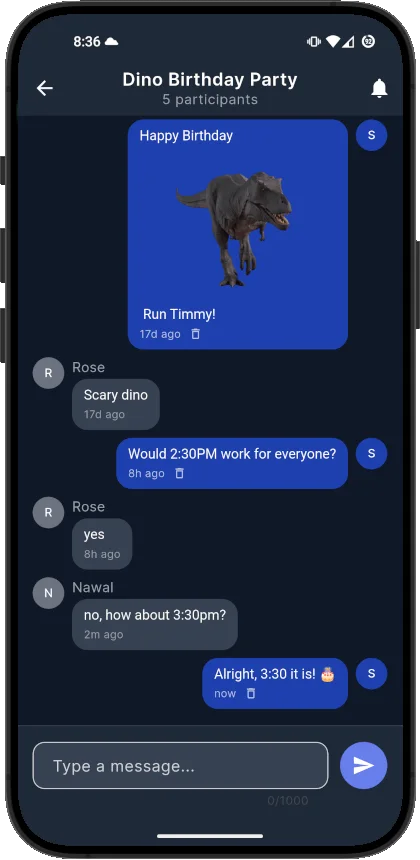
Keep the questions, the plans and the photos in one conversation with everyone who is invited.
-
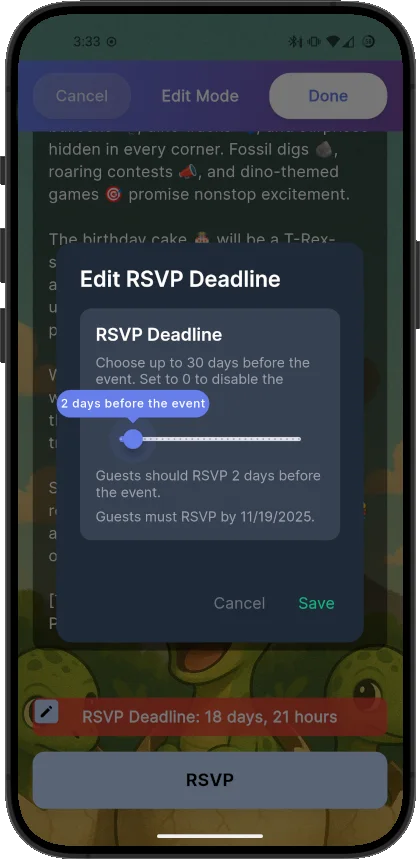
Change the time, the place or the deadline whenever you need to. Every guest sees it instantly.
How it works
From idea to guest list in three steps
-
Create
Add the what, when and where, then choose a background and colors that fit the occasion.
-
Share
Send one link by text, email or social. It opens in any browser.
-
Track
Watch the RSVPs come in, chat with your guests and update the details any time.
🦕 See what your guests see
Open the Dino Birthday Party, an example invitation created with the ffizzi app, to see how event details and the RSVP experience appear to your guests.
Local events
Browse local events by state or province
Pick a place to see what is happening near you.
United States
- Alabama
- Alaska
- Arizona
- Arkansas
- California
- Colorado
- Connecticut
- Delaware
- Florida
- Georgia
- Hawaii
- Idaho
- Illinois
- Indiana
- Iowa
- Kansas
- Kentucky
- Louisiana
- Maine
- Maryland
- Massachusetts
- Michigan
- Minnesota
- Mississippi
- Missouri
- Montana
- Nebraska
- Nevada
- New Hampshire
- New Jersey
- New Mexico
- New York
- North Carolina
- North Dakota
- Ohio
- Oklahoma
- Oregon
- Pennsylvania
- Rhode Island
- South Carolina
- South Dakota
- Tennessee
- Texas
- Utah
- Vermont
- Virginia
- Washington
- West Virginia
- Wisconsin
- Wyoming
Canada

Your next event starts here
Create your first invite on the web in a couple of minutes, or get the app to discover and manage events on the go.